 Try AI Planner
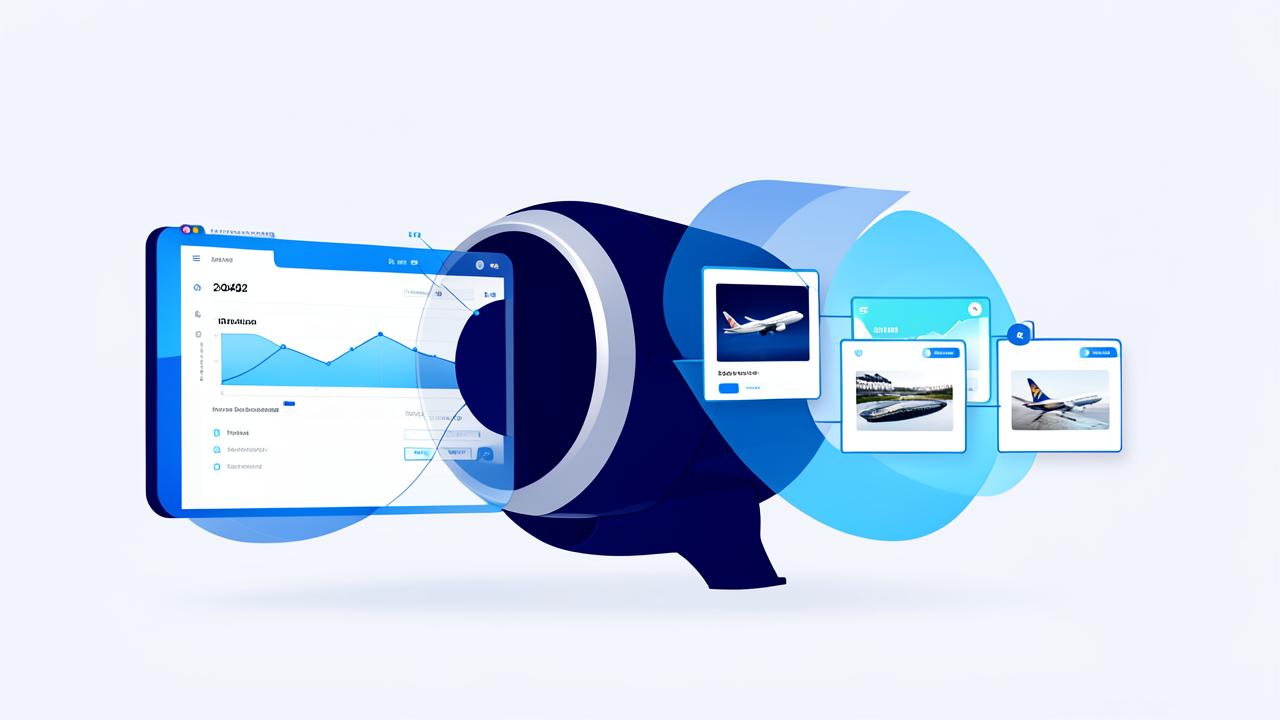
Travel businesses need to make inventory easy to book without losing control of prices and availability across sales channels. That makes the booking engine vs channel manager decision more than a software comparison: each tool solves a different part of the distribution process, and some businesses need both.
A booking engine lets customers or travel trade partners search and complete reservations through a direct sales interface. A channel manager distributes availability, rates and restrictions to connected channels and, where supported, sends reservations back to the central system. The distinction matters when you are assessing direct sales, supplier connectivity and operational workload.
This guide explains how each system works, when to choose one or both, and how they can connect in a practical workflow. It also covers cost considerations, questions to ask vendors, implementation steps and common mistakes to avoid. If you are evaluating distribution technology for a B2B travel business, you can also explore Vbooking Turbo alongside your requirements and integration checklist.
What is the difference between a booking engine vs channel manager?
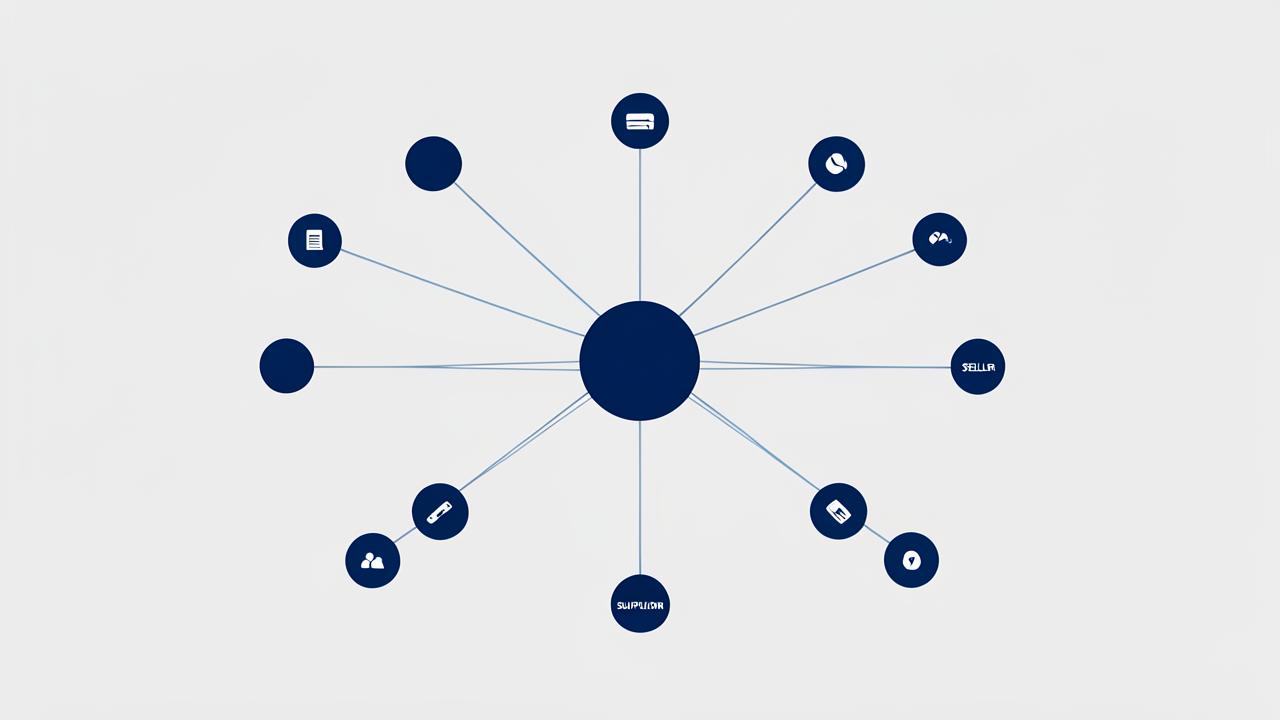
The difference in a booking engine vs channel manager comparison is their primary role: a booking engine lets customers search and book through a business’s own sales interface, while a channel manager distributes and synchronizes inventory across connected sales channels. They can share data, but neither automatically replaces the other.
| Comparison | Booking engine | Channel manager |
|---|---|---|
| Primary role | Supports search, selection and booking | Connects inventory to external sales channels |
| Typical users | Travelers, agents or business buyers | Distribution, revenue and operations teams |
| Data flow | Displays available products and sends booking details to connected systems | Sends availability and rates to channels and receives reservation updates where supported |
| Main limitation | May not distribute inventory across multiple channels on its own | Usually does not provide a complete customer-facing booking journey |
Where the distinction matters
A hotel, tour operator or travel seller may use a booking engine to accept direct reservations on its website or through an agent portal. A channel manager can help a supplier maintain listings across online travel agencies and other connected partners. In travel, the channel manager’s capabilities depend on the products it supports and each connection’s rules.
The systems may exchange availability, pricing and reservation data through a property management system, supplier platform or other integration. Updates are not necessarily instantaneous, and some channels support fewer data types than others. That makes integration coverage and synchronization behavior important when evaluating distribution technology.
For a closer look at booking capabilities, explore Vbooking Turbo. Confirm which distribution connections and workflows are available for your business before choosing a setup.
How does a booking engine work for a travel business?
A booking engine lets travelers or authorized agents search available travel products, review prices, make a reservation, and receive confirmation through a digital interface. It connects the customer-facing journey with inventory, pricing, payment, and booking systems. The precise workflow depends on the products sold and the integrations available.
From search to confirmation
A customer enters criteria such as destination, dates, and number of travelers. The engine retrieves available options from connected inventory sources and displays applicable prices, taxes, and booking conditions. Availability and rates can change, so the system should check them again before the booking is completed.
After the customer selects an option and provides traveler details, the engine submits the reservation and handles payment or passes it to an integrated payment provider. Once the supplier confirms the booking, the customer typically receives a confirmation and reference number. Some bookings may remain pending or require manual follow-up.
Direct customers and B2B agents
Direct customers generally book through a public website. B2B agents may use a login to access contracted rates, agency-specific pricing, credit terms, or booking management tools, depending on the platform and commercial agreements.
Example
Example: an agent books a hotel
- 1The agent signs in and searches by destination, dates, and occupancy.
- 2The engine displays available rooms and eligible agent rates, subject to a final availability check.
- 3The agent selects a room, enters guest details, and uses an available payment or credit option.
- 4The system submits the reservation and displays its confirmation or pending status.
When assessing a platform such as Vbooking Turbo, check which inventory sources, payment methods, agent controls, and confirmation workflows it supports for your business.
How does a channel manager work in travel distribution?
A channel manager connects a travel business’s inventory to multiple sales channels. It sends rates, availability and relevant booking restrictions to connected platforms, then receives reservations and updates inventory where supported. Integrations, supported data and update speeds vary by provider and channel, so businesses should verify these details before choosing a system.
How information moves between channels
A hotel, tour operator or other supplier typically maintains inventory in a property management system or another central system. The channel manager maps each room, product or rate plan to its equivalent listing on connected online travel agencies and other partners.
When a booking arrives, the channel manager can pass it to the central system and send revised availability to other channels. Some connections support two-way updates; others may have limits on cancellations, restrictions or the types of inventory they handle. Updates are not always instantaneous, which can create a risk of conflicting bookings.
Example
Example: A hotel sells its last available room
- 1The hotel’s central system shows one room available for a given night, and the channel manager distributes that availability to connected sales channels.
- 2A guest books the room through an online travel agency, which sends the reservation through the connection.
- 3The channel manager passes the booking to the hotel’s system and sends updated availability to other connected channels, subject to their integration capabilities and update speeds.
- 4Staff check for delivery errors or delayed updates and resolve any inventory discrepancy.
Before selecting a channel manager for travel distribution, confirm which channels are supported, what information each connection exchanges and how failures are flagged. Ask providers to demonstrate the workflow using your actual products and rate plans.
Do you need a booking engine, a channel manager, or both?
The booking engine vs channel manager decision depends on what you sell and where you sell it. Choose a booking engine to accept reservations through your own sales channel; consider a channel manager to distribute inventory across connected third-party channels. Many inventory owners need both, while agencies and wholesalers may need different integrations.
| Business | Typical need | Decision criteria |
|---|---|---|
| Hotel | Often both | Use a booking engine for direct website bookings and a channel manager when selling rooms across multiple online channels. |
| Tour operator | Booking engine; channel management if needed | Prioritize direct booking. Add distribution tools if you manage tour availability across supported marketplaces or resellers. |
| Travel agency | Booking engine or agency booking platform | Focus on supplier access, search, pricing and reservation workflows. A channel manager may be less relevant if you do not control inventory. |
| Wholesaler | B2B booking platform and integrations | Assess how you contract, allocate and distribute supplier inventory to agency partners. Channel management needs depend on your inventory model and connectivity. |
Match the technology to your workflow
Start by identifying who controls availability and rates. If you own or allocate inventory and sell it through several partners, channel management can help coordinate distribution. If you primarily source products from suppliers, prioritize the connections and booking workflows your agents or customers need.
For businesses comparing distribution technology, explore Vbooking Turbo and confirm which booking and integration capabilities fit your operating model.
How much do booking engines and channel managers cost?
Booking engine and channel manager costs depend on the provider, booking volume, connected channels and contract terms. Both may use subscription or commission pricing, while setup, payment processing and integrations can add charges. Compare the full cost of ownership rather than the headline rate, and verify all prices before purchase.
Common pricing models
The estimates below are illustrative, not provider quotes. Actual fees can fall outside these ranges, particularly for customized or enterprise systems. Verify the calculation basis, currency, taxes and contract terms before purchase.
~$0–$500+ per month
Subscription, per product, estimated
~1–5% per booking
Booking-based commission, estimated where charged
~2–4% per transaction
Payment processing, estimated where charged
~$0–$2,000+ one time
Setup or onboarding, estimated where charged
A zero subscription does not necessarily mean the product is free: commission or other charges may apply. Payment fees are often separate from software fees, and refunds or chargebacks may incur additional costs.
What to include in a quote comparison
- Ask whether commission applies to the full booking value, including taxes and extras, and how cancellations are treated.
- Check whether setup covers data migration, training and configuring each sales channel.
- Request written integration fees for your property management system, suppliers, payment gateway and APIs; costs can be one-time, recurring or usage-based.
- Compare minimum terms, booking limits, support tiers, renewal increases and exit fees.
Estimate annual costs using your expected booking volume, then test a lower- and higher-volume scenario. When evaluating a platform such as Vbooking Turbo, request a written quote for your required features and connections before committing.
How do booking engines and channel managers work together?
A booking engine captures a customer’s search and reservation, while a connected channel manager helps distribute availability and rates across sales channels. Integration links these functions with the inventory source, such as a property management system or supplier platform, so a confirmed booking can trigger updates elsewhere.
Follow a booking from search to inventory update
- 1Search: The booking engine requests available products, dates, rates and conditions from the connected inventory source.
- 2Selection and validation: The customer chooses an option. The system checks availability and price again before accepting the booking.
- 3Reservation and confirmation: The booking is submitted to the inventory source. Once confirmed, the engine records the reservation and sends the customer a confirmation.
- 4Distribution update: The inventory source or channel manager updates availability across connected channels. Update speed and direction depend on the integration.
- 5Reconciliation: Staff compare booking records, payment status and inventory across systems, investigating mismatches and failed updates.
Example
Example: A room sells on a hotel website
- 1A guest selects a room through the hotel’s booking engine.
- 2The property system confirms the reservation and reduces available inventory.
- 3The channel manager sends the revised availability to connected sales channels.
- 4A staff member checks the update queue and resolves any channel that did not receive the change.
Before launch, test cancellations, modifications, duplicate submissions and connection outages. Assign someone to monitor alerts, retry failed updates and manage inventory manually when needed. For a broader view of booking workflows, explore Vbooking’s travel booking technology.
What should you check before choosing distribution technology?
Evaluate distribution technology against the channels you sell through, the inventory you control and the workflows your team uses. Ask vendors to demonstrate live updates, reporting and exception handling, then review security, support and contract terms. Test the complete booking journey before committing, rather than relying on a feature list.
Vendor evaluation checklist
- Connectivity: Confirm which suppliers, online travel agencies, payment providers and internal systems connect directly. Ask whether integrations support the products and markets you sell, and who maintains them.
- Inventory control: Check how availability, rates, restrictions, cancellations and modifications are updated. Ask how the system handles delayed updates, failed messages and potential overbookings.
- Reporting: Look for booking, revenue and channel-level reports with clear definitions. Confirm whether data can be exported or connected to your existing reporting tools.
- Security: Ask how customer and payment data is protected, who can access it and how incidents are handled. Check which party is responsible for payment security compliance.
- Support: Confirm support hours, contact methods, escalation procedures and onboarding assistance. Ask for response commitments in writing.
- Commercial terms: Review setup charges, recurring fees, transaction costs, integration fees, contract length and termination conditions. Verify current pricing and terms before signing.
Test the fit before signing
Request a demonstration using your typical products and channels, followed by a test booking, modification and cancellation. If a B2B booking platform is part of your requirements, review Vbooking Turbo alongside other options and confirm its current integrations and commercial terms with the provider.
How can you implement the system and avoid common mistakes?
Implement a booking engine or channel manager in phases: map your inventory and policies, connect a small group of products, run test bookings and train staff before expanding. Monitor availability, pricing and reservations after launch, and agree on a rollback plan so your team can respond if data stops syncing.
Follow a phased rollout
- 1Audit and map data. Match each room, tour or other product to the correct rate, availability, cancellation policy and tax treatment across systems. Assign an owner to resolve mismatches.
- 2Connect a limited inventory set. Configure integrations and permissions, then confirm which system controls rates and availability. Avoid updating the same fields in multiple places without a clear process.
- 3Run end-to-end tests. Check search results, prices, payment, confirmation, amendments and cancellations. Test how availability changes across connected channels, including what happens when a booking fails.
- 4Train staff and launch gradually. Give reservations, operations and finance teams role-specific instructions and an escalation contact. Expand only after the initial products work as expected.
- 5Monitor and prepare a rollback. Review sync errors, price discrepancies and booking records daily during launch. Document how to pause sales or revert to the previous process, and who can authorize it.
Booking engine vs channel manager: which should you choose?
The choice between a booking engine vs channel manager depends on where bookings originate, who controls the inventory, and how many sales channels you use. Choose a booking engine to accept reservations through your own sales flow, a channel manager to distribute inventory across connected channels, or both when you need those capabilities together.
Match the technology to your workflow
If your priority is letting customers or agents search, select, and book through your website or portal, start with a booking engine. Confirm that it supports the products you sell, your supplier connections, payment process, and post-booking servicing needs.
If you own or manage inventory and update availability or rates across several connected marketplaces, a channel manager may be the more immediate priority. Check which channels it supports and whether it can synchronize the inventory and restrictions you need to control.
If you sell directly and through multiple external channels, you may need both. The key question is whether the systems can exchange availability, rates, and reservations reliably—not simply whether each offers a long feature list.
Make the decision practical
- Map each booking from the customer or agent through to the supplier, payment, confirmation, and changes.
- Identify who owns the inventory and which system should be the source of truth for availability and rates.
- List the sales channels and supplier connections you need now, then verify integration coverage and ongoing support.
- Test how cancellations, failed payments, and conflicting availability are handled before committing.
For businesses assessing a booking platform, explore Vbooking Turbo and check its capabilities against your workflow. As a next step, shortlist solutions and request a demonstration using your own booking scenarios.
Frequently asked questions
Can a booking engine replace a channel manager?
Not usually. A booking engine lets customers or agents search and book through a business’s own sales interface, while a channel manager distributes availability and rates to connected sales channels. Some platforms combine both functions, but check whether their integrations cover the suppliers, marketplaces and workflows you use.
Can a channel manager prevent double bookings?
A channel manager can reduce the risk by updating availability across connected channels, but it cannot guarantee that double bookings will never happen. Delays, connection failures and simultaneous requests can still cause conflicts. Check how frequently each connection updates, whether it supports real-time inventory and how the system handles errors.
Is a booking engine only useful for hotels?
No. A booking engine can also support travel agencies, tour operators, activity providers and other travel sellers. The important distinction is what it can book: some are designed for a single property or product type, while others connect to multiple suppliers. Check product coverage, payment options and support for your sales model.
What is the difference between a channel manager and a property management system?
A property management system typically handles on-property operations such as reservations, guest records and room assignments. A channel manager focuses on distributing rates and availability to connected sales channels. Many businesses use both, with an integration that passes reservation and inventory data between them; the exact division of functions varies by vendor.
Do travel businesses need technical staff to use these systems?
Not always. Many systems offer dashboards for routine tasks such as updating rates, reviewing bookings and managing channel connections. Technical support may still be needed for API integrations, data migration or custom workflows. Before signing, ask what setup the provider handles, what training is included and who resolves integration issues.
What happens if a supplier or sales channel disconnects?
Updates or bookings may stop flowing until the connection is restored, depending on the integration. This can leave availability or rates out of date. Ask providers how they alert users, whether failed updates are retried and how reservations are reconciled after an outage. Keep a documented manual process for urgent changes.
How can B2B travel sellers compare booking software?
Start with your distribution model: identify who will book, which suppliers you need and whether agents require negotiated rates or account-specific access. Then test the booking and cancellation workflow, reporting, support and integration coverage. For a relevant platform option, review Vbooking Turbo and confirm its current capabilities against your requirements.
Vbooking Editorial Team
Our team writes practical guides on travel and booking technology, drawing on Vbooking's work with travel agencies and DMCs across the Gulf. About Vbooking